
Profile QR Code: How to Have Others Follow You on Nircle App
Nircle Tools@nircle.tools
1 year ago
How to Use Your Profile QR Code to Gain Followers on the Nircle App 🌟📱
Access Your Profile 👤
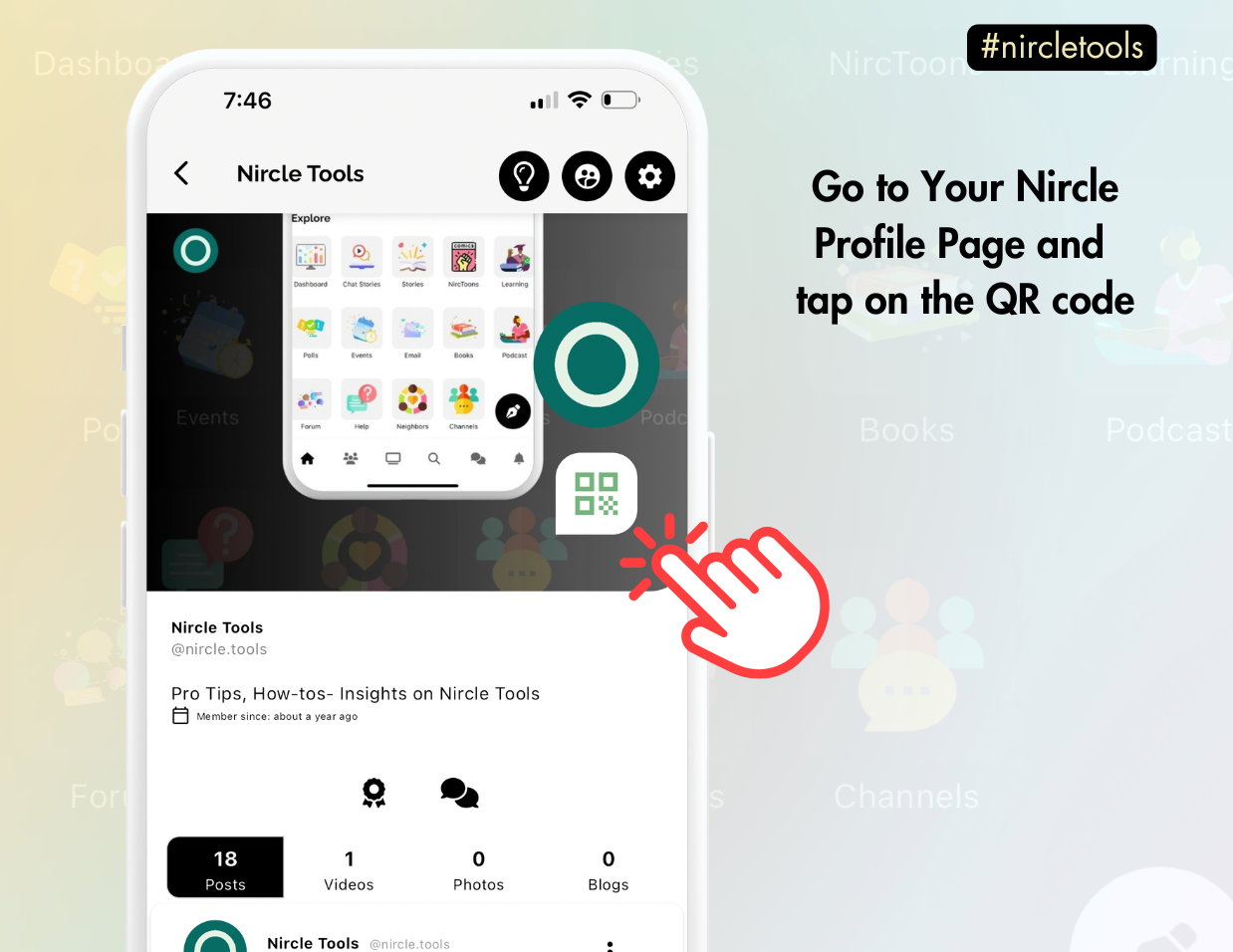
Open the Nircle app and navigate to your profile.
Find Your QR Code 🌀
Tap the QR Code icon (usually located at the top of your profile or in the settings menu).
Ways to Connect 🔗
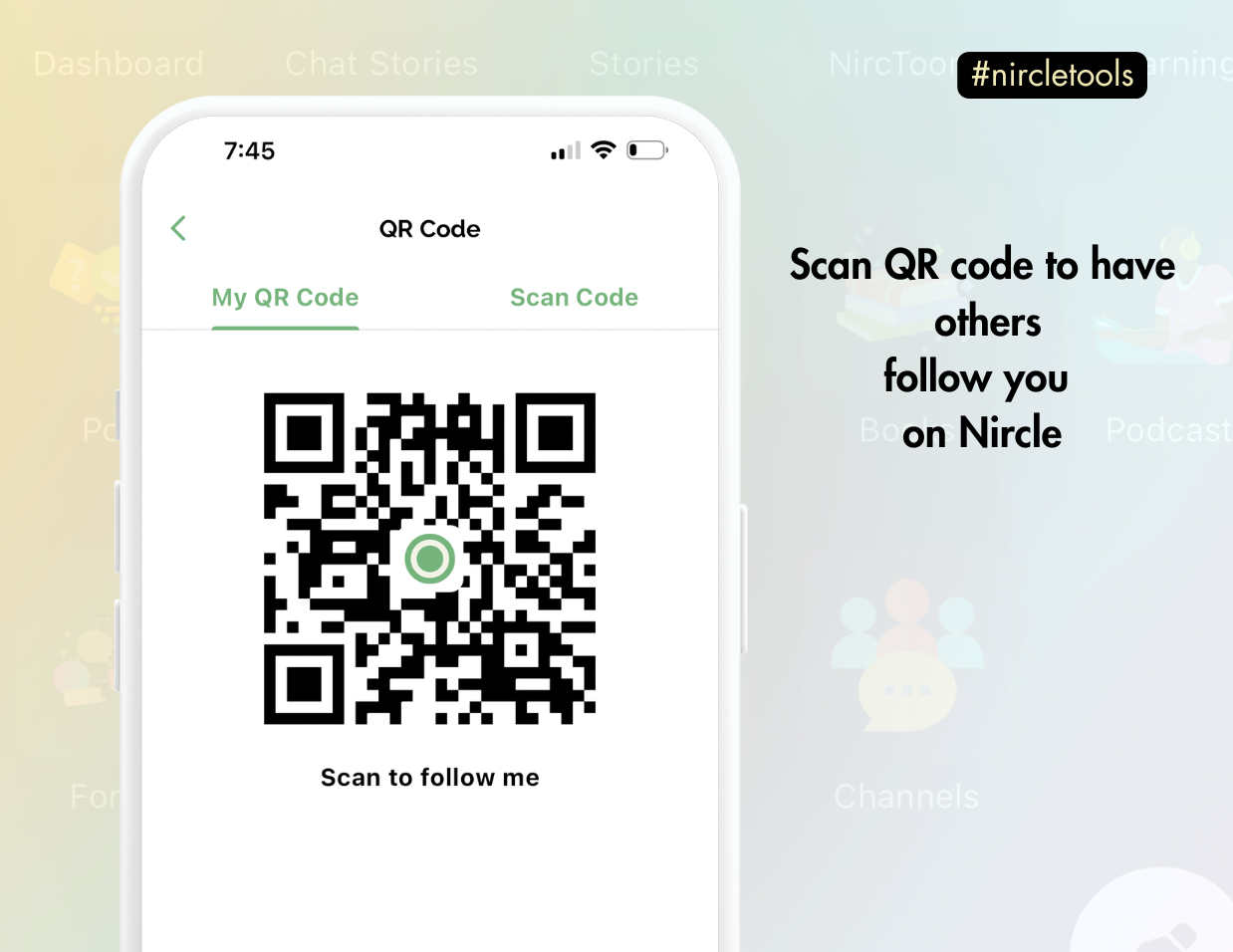
Option 1: Have Someone Scan Your QR Code 📸
Show your QR code to others and let them scan it using their phone's camera or the Nircle app's QR scanner.
Option 2: Scan Someone Else's QR Code 🔍
Tap the "Scan QR Code" option on your screen to follow someone by scanning their code.
Share Your QR Code 🌍
Save your QR code to your device by tapping the Download/Save button.
Share it on your social media platforms (📸 Instagram, 🐦 X, or 📱 Facebook), email, or other platforms to invite others to follow you on Nircle.
Pro Tip 💡
Add your QR code to your email signature ✉️, flyers 📰, or website 🌐 for more visibility and followers!
💬 Get creative with how you share and watch your Nircle following grow! 🚀 #nircleHowTo